Combining multiple PDF documents into a single file is one of the most common administrative tasks in modern businesses. From assembling monthly financial reports and compiling study guides to combining scanned receipts into a single tax-compliant folder, the need for a unified document is ubiquitous. However, simply pasting pages together often results in unexpected issues: bloated file sizes, pixelated graphics, and distorted layouts.
The Core Challenge of Merging PDF Files
This quality degradation happens because PDFs are not simple image files. They contain a complex layout tree of vectors, fonts, and compressed raster images. When poorly optimized tools merge these files, they often duplicate shared resources (like fonts and color profiles) or compress images using destructive low-quality algorithms to keep the file size down. To merge files correctly, you need a tool that intelligently merges common resources without altering the original page streams.
Practical Steps for Professional PDF Merging
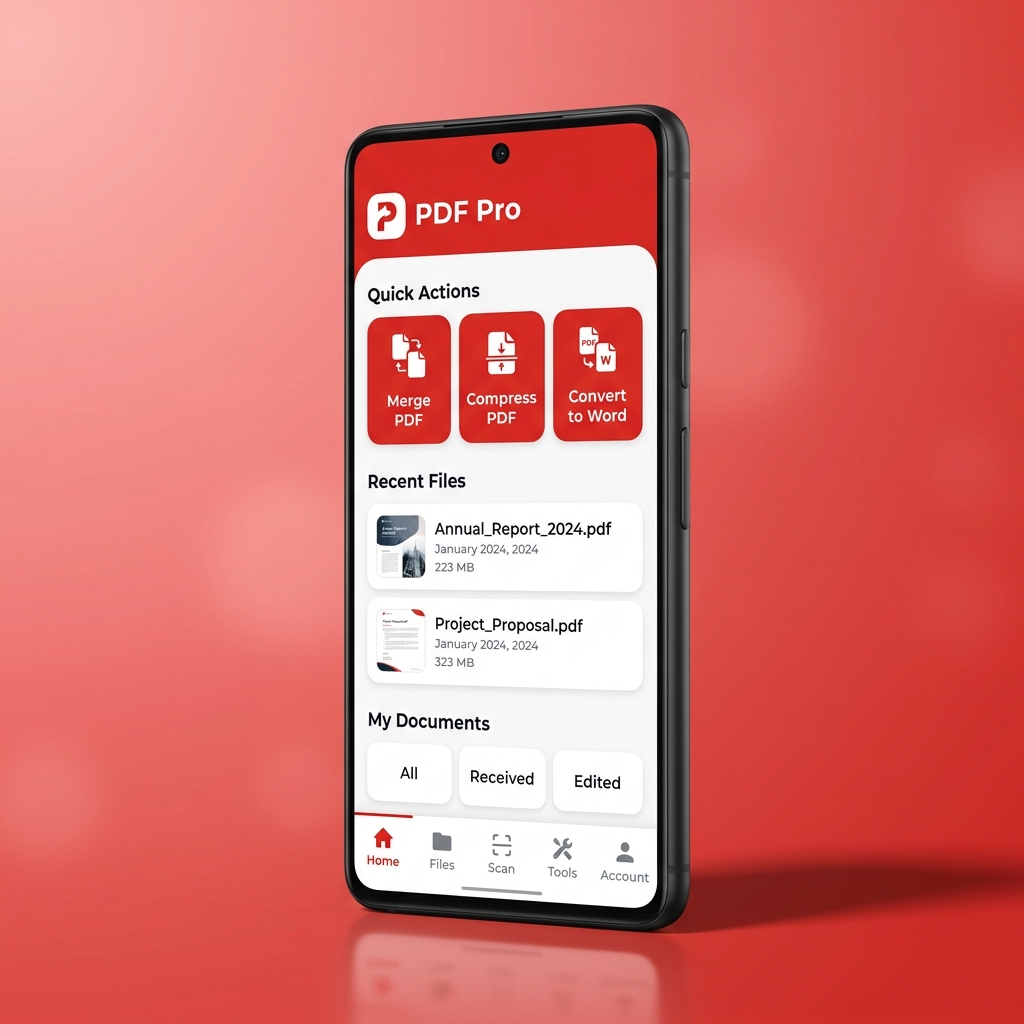
To merge your documents without losing quality, start by organizing your source files in the desired order. Ensure that all source documents use embedded fonts, as missing font definitions can cause layout shifts during the merge. Avoid online platforms that transfer your files to external cloud servers, as this exposes sensitive personal or financial information to security risks. Instead, utilize a local offline tool like PDF Tools AI, which performs all conversions directly on your device.
Protect your data privacy and keep your layouts perfectly intact. Download the PDF Tools AI app to merge, split, compress, and run OCR on all your PDF documents offline with absolute security.