When sharing sensitive files like bank statements, legal contracts, or medical records via email, security must be your top priority. Simply sending a standard PDF leaves your data vulnerable to interception. Encrypting your files is the most effective way to ensure only intended recipients can access them.
Understanding PDF Encryption Standards
Modern PDF security relies on advanced encryption standards (AES). Standard document utilities allow you to set two types of passwords: a user password (required to open and read the file) and an owner password (which restricts actions like printing, editing, or copying text).
Protecting Files Offline with Complete Privacy
Many online PDF tools require you to upload your sensitive documents to remote servers to apply security settings, creating a data leak risk. Applying passwords offline using a tool like PDF Tools AI guarantees that your files remain private and secure on your device.
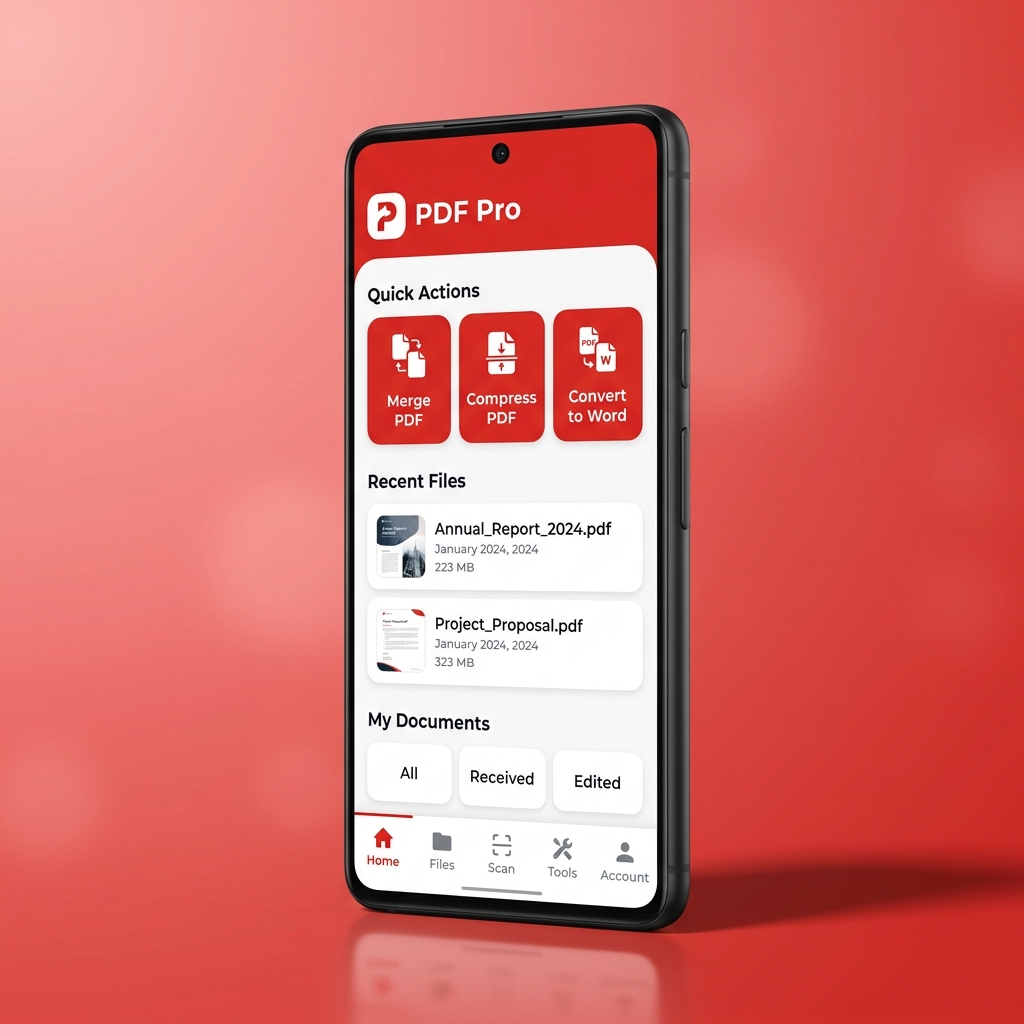
Secure your sensitive files with industry-grade encryption. Download the PDF Tools AI app to password-protect, encrypt, and restrict permissions on your documents offline.