With smartphone cameras now rivaling professional digital cameras, flatbed scanners are no longer a necessity. However, simply snapping a photo of an invoice or contract often results in blurry text, shadows, and perspective distortions that look unprofessional when shared.
Techniques for Clean Mobile Document Scans
To get scanner-quality results, place your document on a flat surface with contrasting color and bright, even lighting. Hold your phone directly above the page to minimize perspective distortion. Avoid using direct flash, as it creates harsh glare, and instead rely on diffuse natural light.
Running OCR to Extract and Edit Scan Text
Once scanned, use document utility software to crop borders and apply filters that clean up the background to pure white. Running Optical Character Recognition (OCR) converts the image to editable text. Using a secure offline utility like PDF Tools AI keeps document contents private.
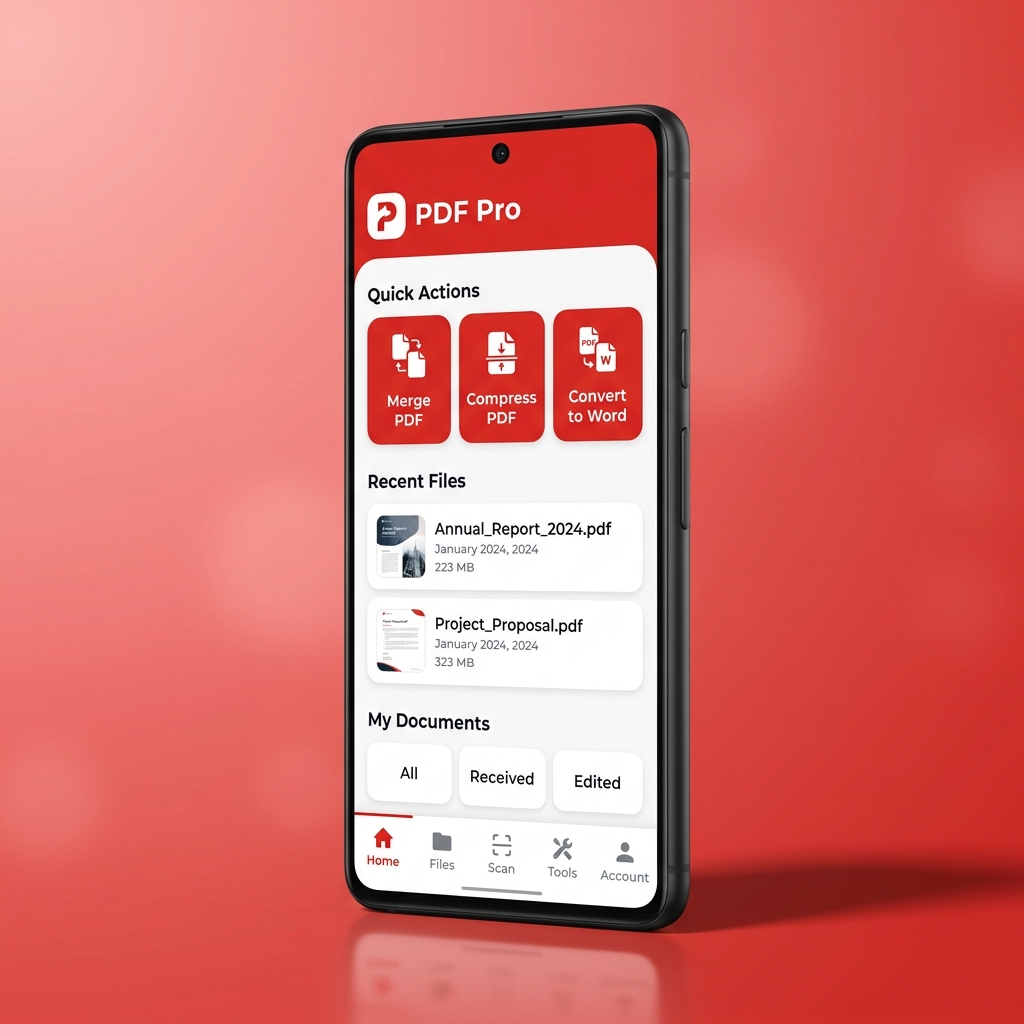
Turn your smartphone into a professional scanner. Download the PDF Tools AI app to crop pages, run offline OCR, and convert scanned images to clean PDF files.